
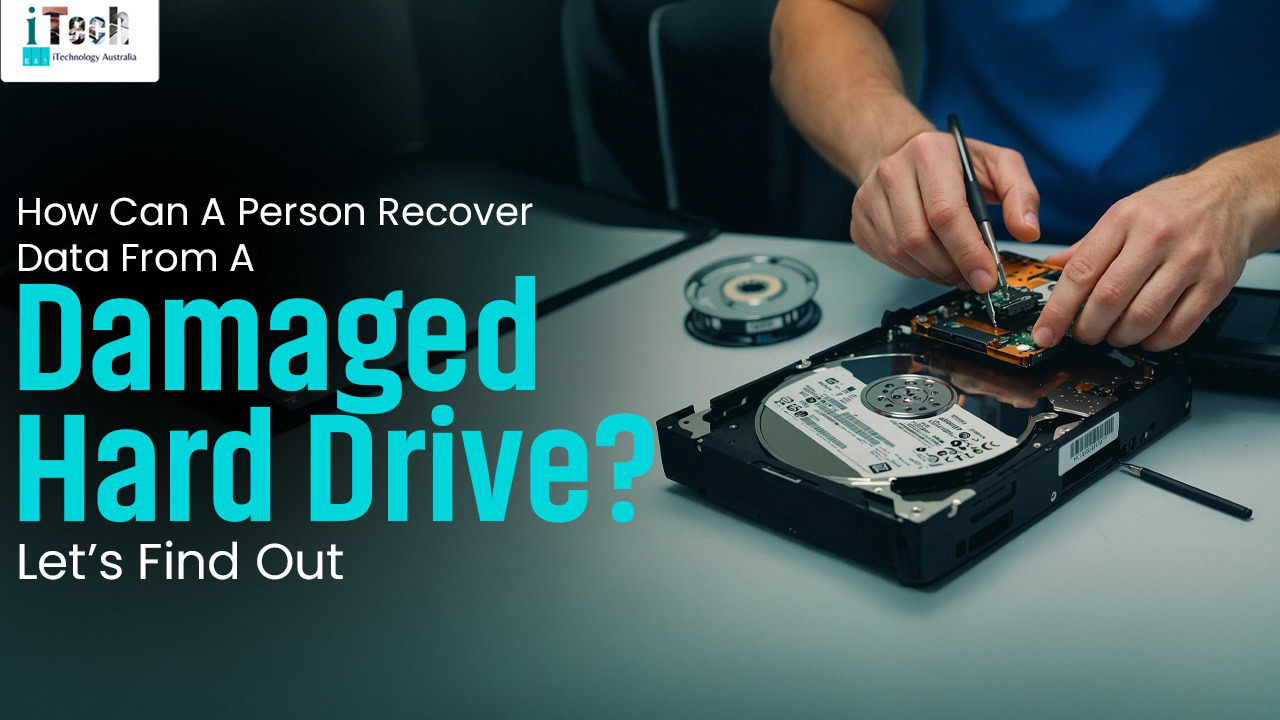
When experiencing hard drive malfunctions, stop using it, analyse the damage, install some recovery software to restore data or take it to the experts who can effectively handle the problem. Hard drive malfunctioning can be caused by various factors that can lead to loss of data, but gladly, with the right methods and tools, the data can be restored even if the hard drive is physically damaged or logically malfunctioning. Depending on the severity of the problem, a person may be able to recover the data on their own or would have to take it to the experts, which reduces the chances of further damaging the hard drive. This blog elaborates on how data can be recovered from a damaged hard drive.
Factors that cause hard drive damage
Physical shock and damage: Dropping the computer, bumping it or knocking when it’s running can cause the head/write to scratch the magnetic platters, which causes a head scratch.
Overheating: This can be caused by poor aeration, build-up of dust or malfunctioning of fans, which causes overheating, damaging the internal components.
Power issues: Irregular power cuts or power surges can damage the circuit board, corrupt the firmware and consequently lead to an unreachable hard drive.
Environmental factors: Factors such as moisture or humidity can cause corrosion, which speeds up the degradation of the hard drive.
Ageing and wear: Electronic devices have a lifespan, and so does the hard drive. As the hard drive ages, it can be susceptible to mechanical failures.
Steps for recovering data from hard drive damage
- Stop using the hard drive.
Quit using the hard when you notice that it’s overheating, making noises, or is not detected.
- Analyse the damage
- Logical failure: The hard drive may be physically functioning, but then it is not detectable, or the data is unreachable.
- Physical failure: This could be the hard drive producing grinding, clicking or buzzing noises.
- Utilise data recovery software
- Tools like Diskdrill and EaseUS Data Recovery Wizard can be downloaded to recover data.
- The tools will help to run the software and detect the affected area. Then the files can be previewed and recovered to a different location from the damaged drive.
- Seek professional experts
The hard drive recovery experts are in the best position to analyse the cause, the problem, fix it and recover data. The best time to take it to the experts is the moment it starts to make noises, overheating or when it is undetectable.
Conclusion
When the hard drive is malfunctioning, avoid opening the hard drive casing, as the dust can permanently destroy the hard drive. Hard drive malfunctions may occur, but with the experts, data can be recovered using various lab techniques. When searching for experts to recover data from the hard drive, ensure to research reputable experts who are experienced in handling the problem. The experts at Technotykes offer expert services in various computer problems, including data recovery from hard drives. Ms. Pritika Gandhi leads exceptional services, and clients can be guaranteed of effective results.
FAQ’s
- Can I recover data from a physically damaged hard drive?
Yes, it is possible to recover data from physically damaged people, though it is best done by professionals, and the success rate is dependent on the severity of the condition.
- What’s the cost of recovering data from a damaged hard drive?
The cost of recovering data from a damaged hard drive is mainly dependent upon the severity of the condition, the labour and the duration. After the analysis, the experts would inform us of how much it can cost.